Several ERPs, one app
Save your Odoo and ErpSQLite connections and switch between them with a tap.
Odoo · ErpSQLite
CRM, contacts, sales, purchases, products, inventory and accounting on your phone and computer. With your ERP's permissions, and offline too.
Download the brochure (PDF, in Spanish)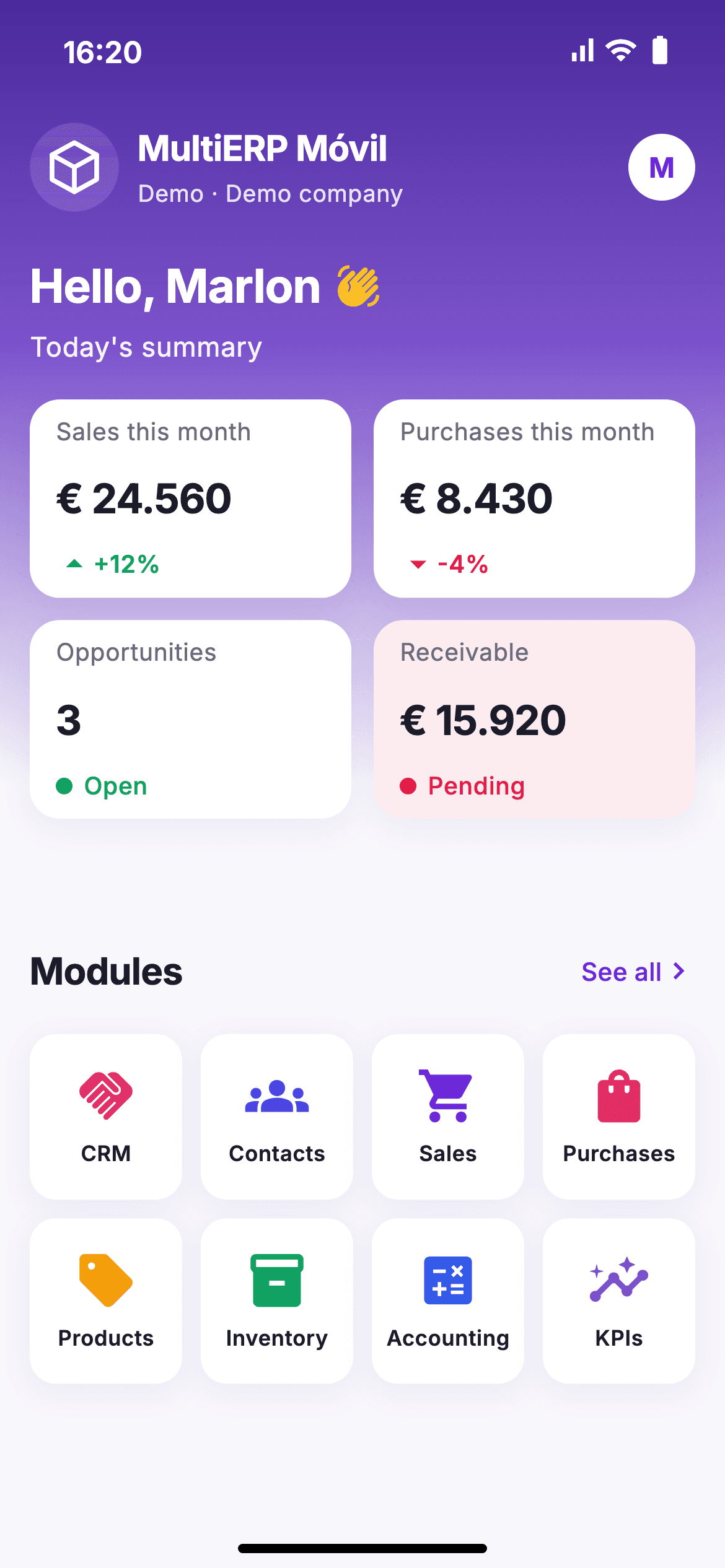
Try it here
This is the real app, with nothing to install and sample data. Open the modules, search for products or create a contact.
Product
Sales reps, buyers and managers: all your company's information, whenever and wherever they need it.
Save your Odoo and ErpSQLite connections and switch between them with a tap.
Sign in with your usual user. No extra modules and no server changes.
Each user only sees their modules. No Sales access in the ERP means no Sales in the app.
Check your data and create contacts and opportunities with no coverage.
On iPhone, iPad, Mac and Windows, and from your browser with nothing to install.
Your password is kept in the system's secure keychain, never in plain text.
Modules
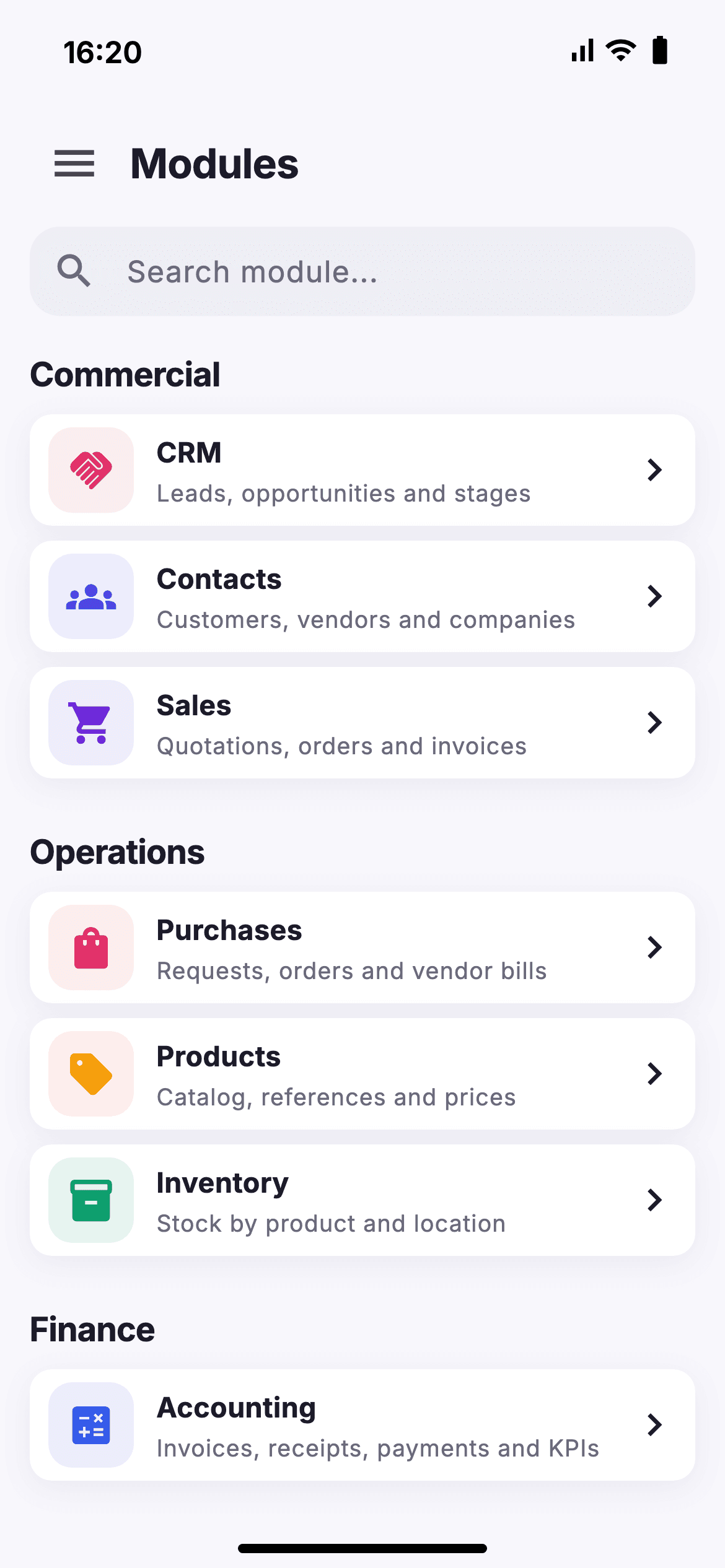
The app only shows the modules you have in your ERP.
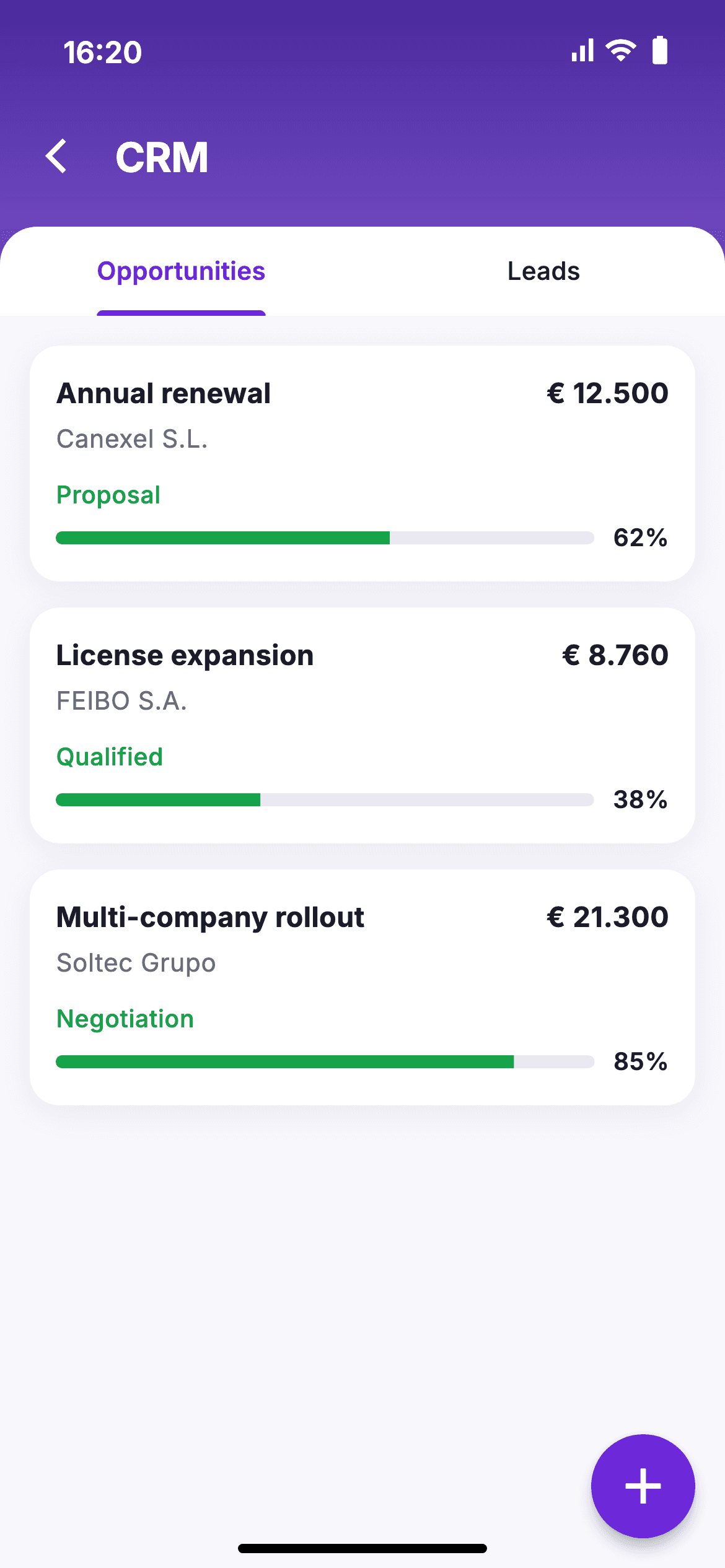
Leads, opportunities and the stages of your pipeline.
Customers, vendors and companies always at hand.
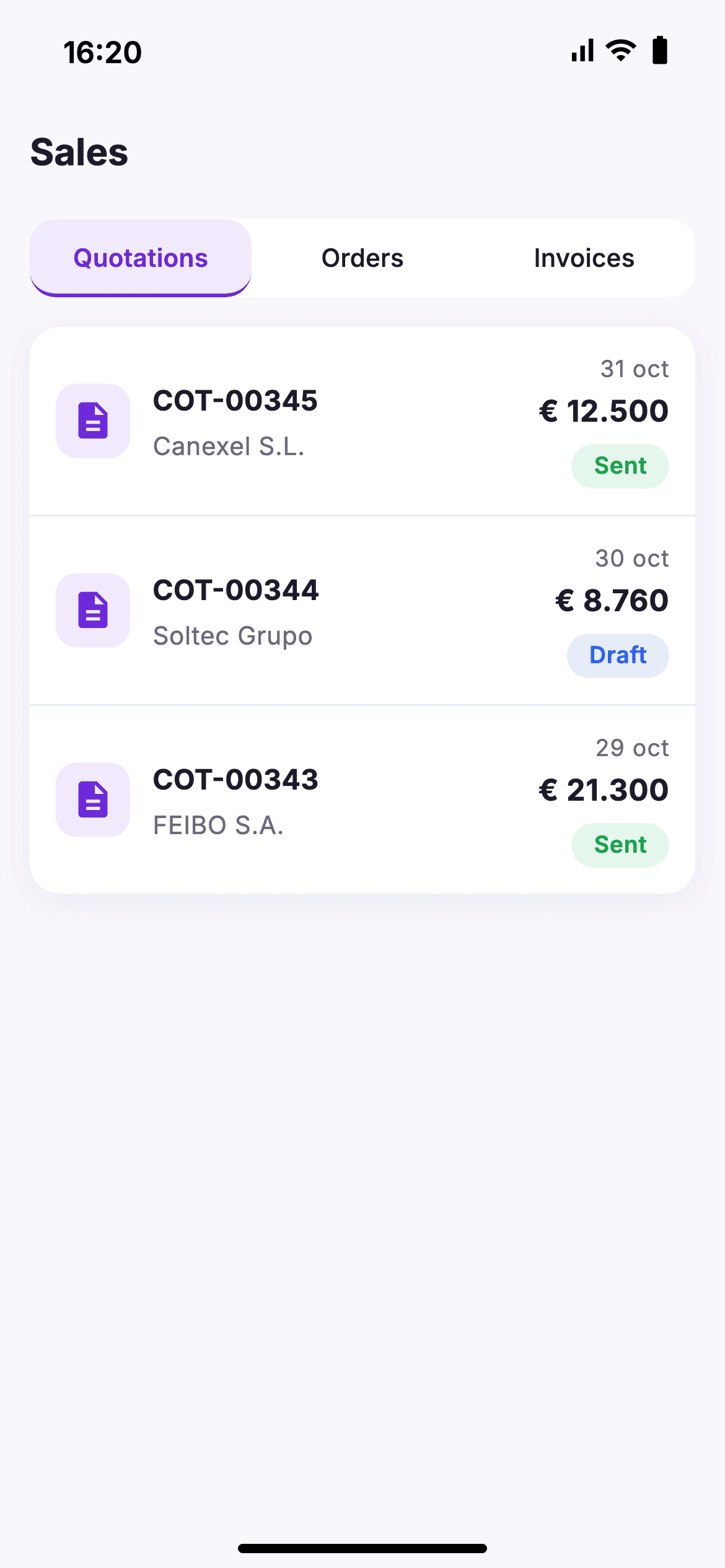
Quotations, orders and invoices from anywhere.
Requests, orders and vendor bills.
Catalog, references and prices to check right away.
Stock by product and location, offline too.
Invoices, receipts, payments and business KPIs.
Screens
Real screenshots of the app with demo data.
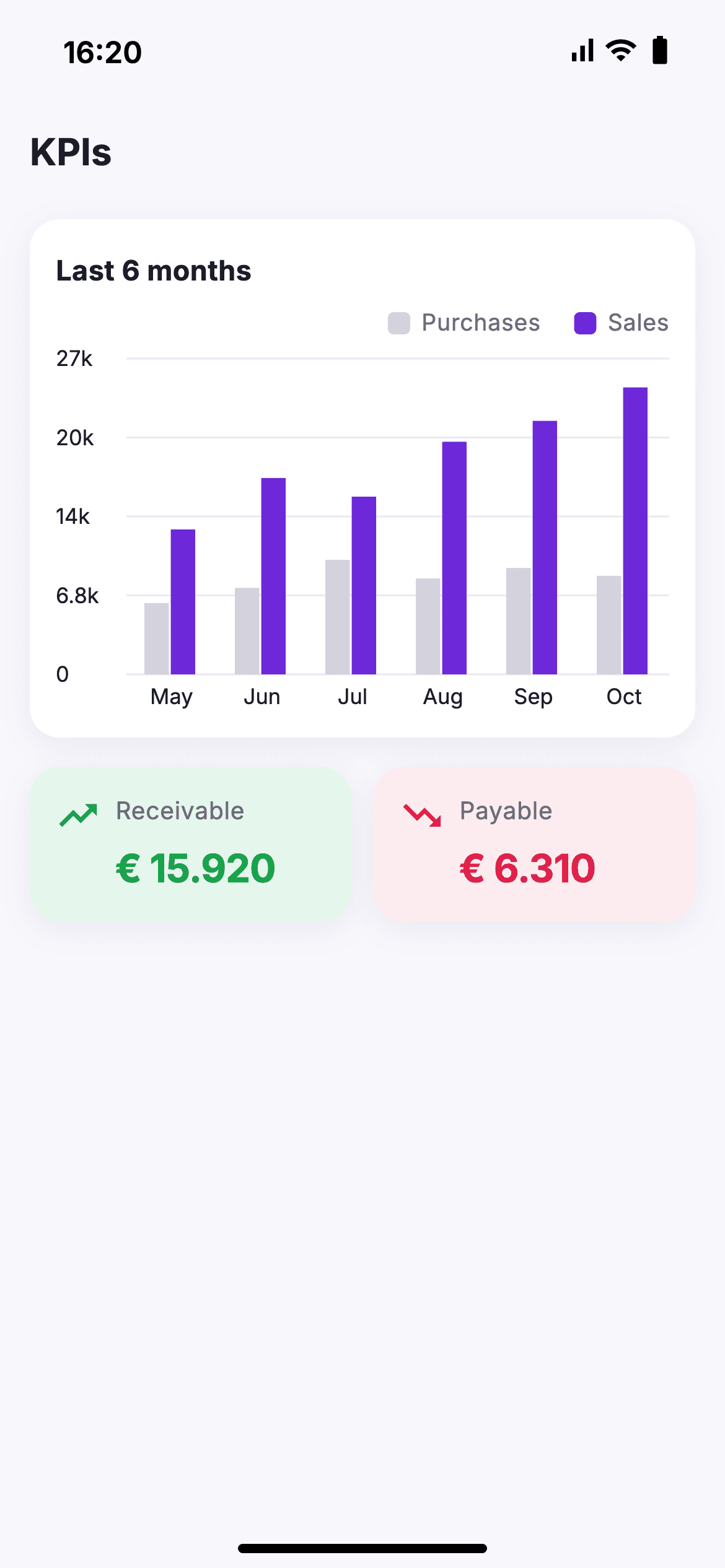
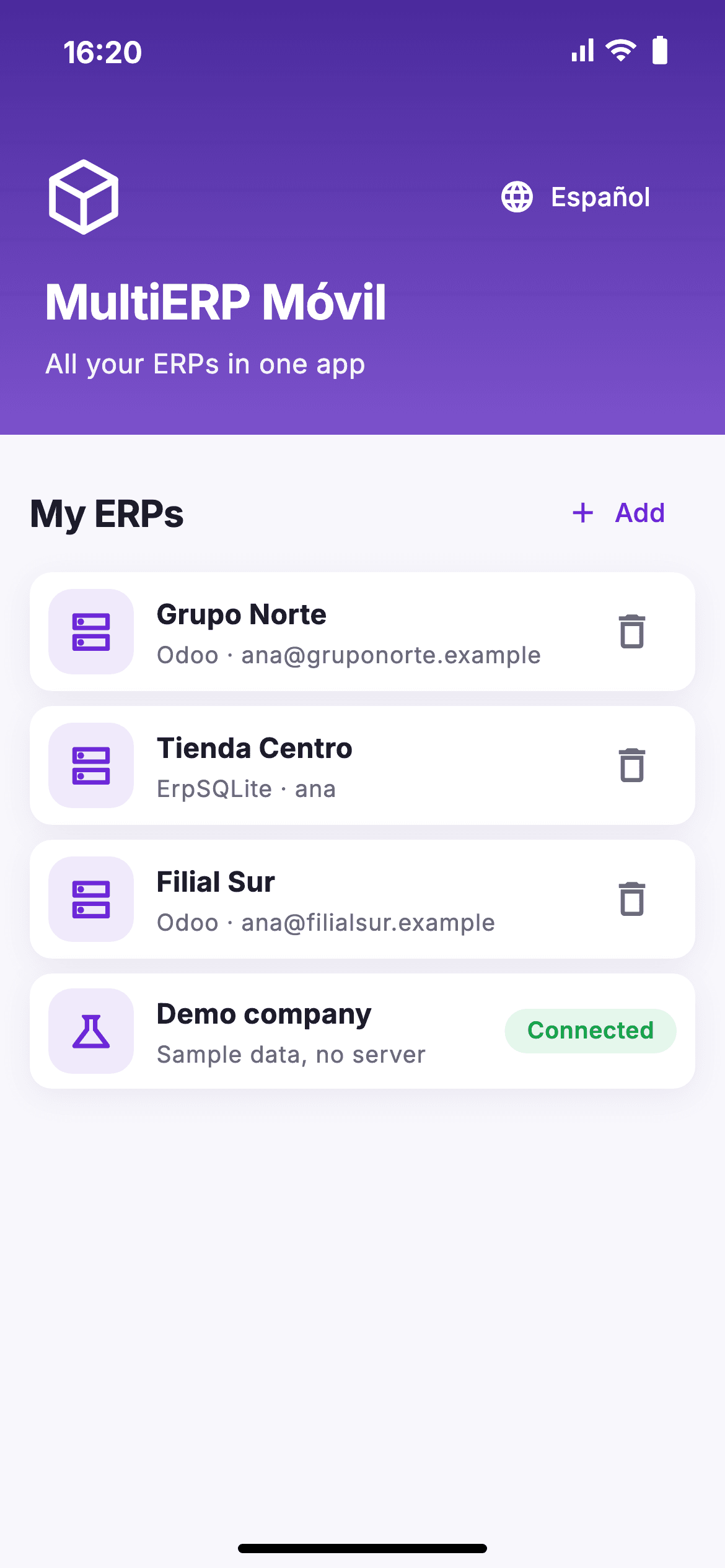
Offline
No coverage, no problem. You don't have to remember to sync.
The app keeps a copy of your data on the device and tells you when there's no network.
What you add appears right away and waits in a queue, safe even if you close the app.
As soon as the connection is back, changes are sent automatically and your copy is updated.
Pricing
Price per user per month.
For freelancers and small teams
€10 /user/month
For growing SMEs
€8 /user/month
For groups with several companies
Custom
FAQ
iPhone and iPad, Mac, Windows computers and the browser. It is the same app on every platform, adapted to each screen size.
No. You sign in with your usual Odoo user and password, with no extra modules. If your account uses two-factor authentication, you connect with an API key for your user.
Yes, in the installed apps. They keep a copy of your data on the device: offline you can check it and create contacts and opportunities, and as soon as the network is back they are sent to your ERP automatically. The web version needs a connection to save changes.
The same as in their ERP. If a user has no access to Sales in Odoo or ErpSQLite, they will not see it in the app either. If you remove a permission, that data leaves the device at the next sync.
Yes. You save your Odoo and ErpSQLite connections in the same app and switch between them with a tap. Each connection keeps its own offline copy.
Yes, if your subscription includes external API access, which Odoo reserves for its Custom plan. Odoo installed on your own servers (Community or Enterprise) has no such limitation.
Yes. Tap "Try the app" to open the demo with sample data in your browser. If your ERP is reachable over the internet with https, you can also connect it from the web version.
The demo and the web version already work in the browser. We are preparing the apps for iPhone, Mac and Windows: request early access and we will let you know as soon as you can install them.
Early access
Leave your details and we'll let you know when it's available on the App Store, Mac and Windows.
We only use your details to reply to you.